.
Fro students: How to add turnitin submission in RSU e-studies
Category
Information systems
About
Follow the steps below in order to add turnitin submission in RSU E-studies
1. Click on the Turnitin assignement.

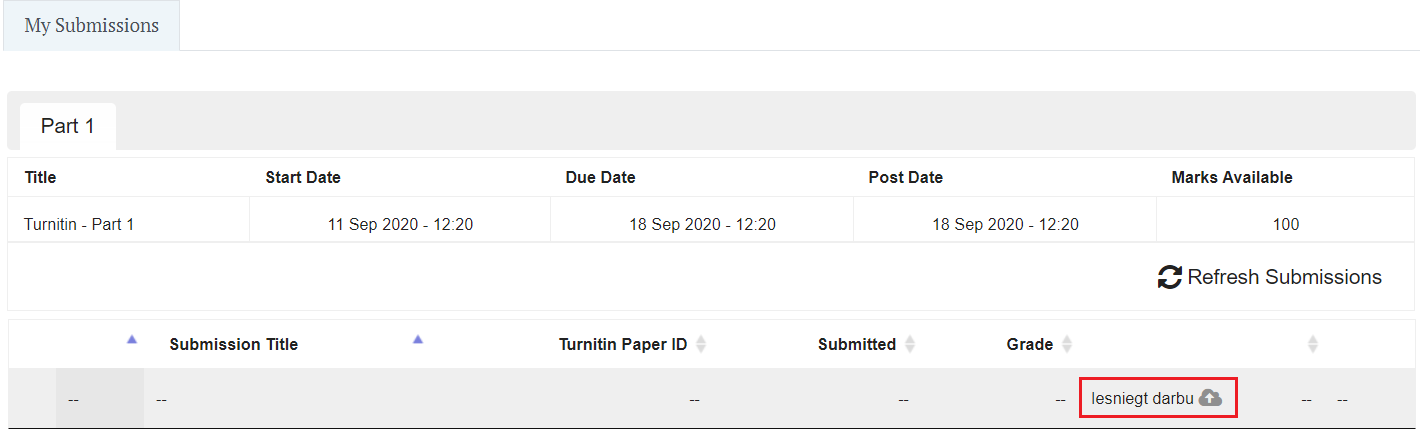
2. Click on Iesniegt darbu, in English it means: Submit job
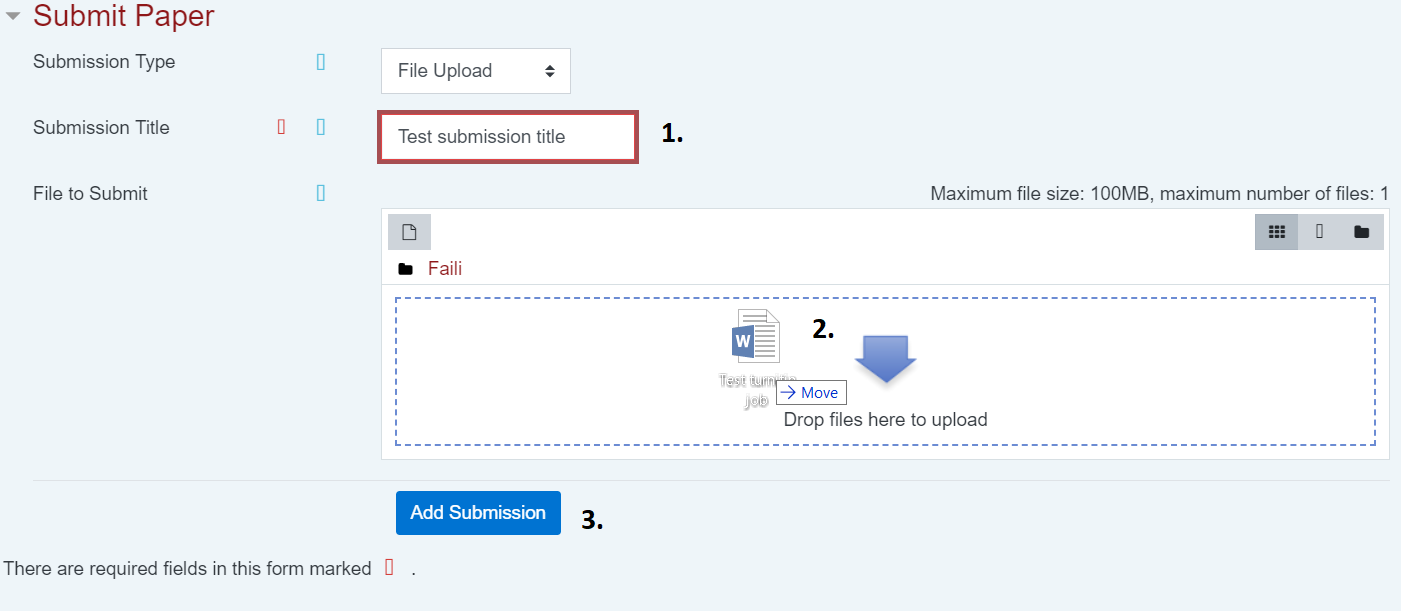
3. In job submission window type the job title(1), drag and drop the file(2) wait until the file is uploaded in the system, and then add submission.(3)
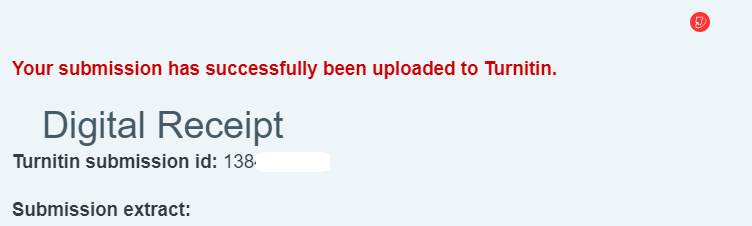
4. The following message will appear.

5. After submission you will see confirmation message from turnitin system appears
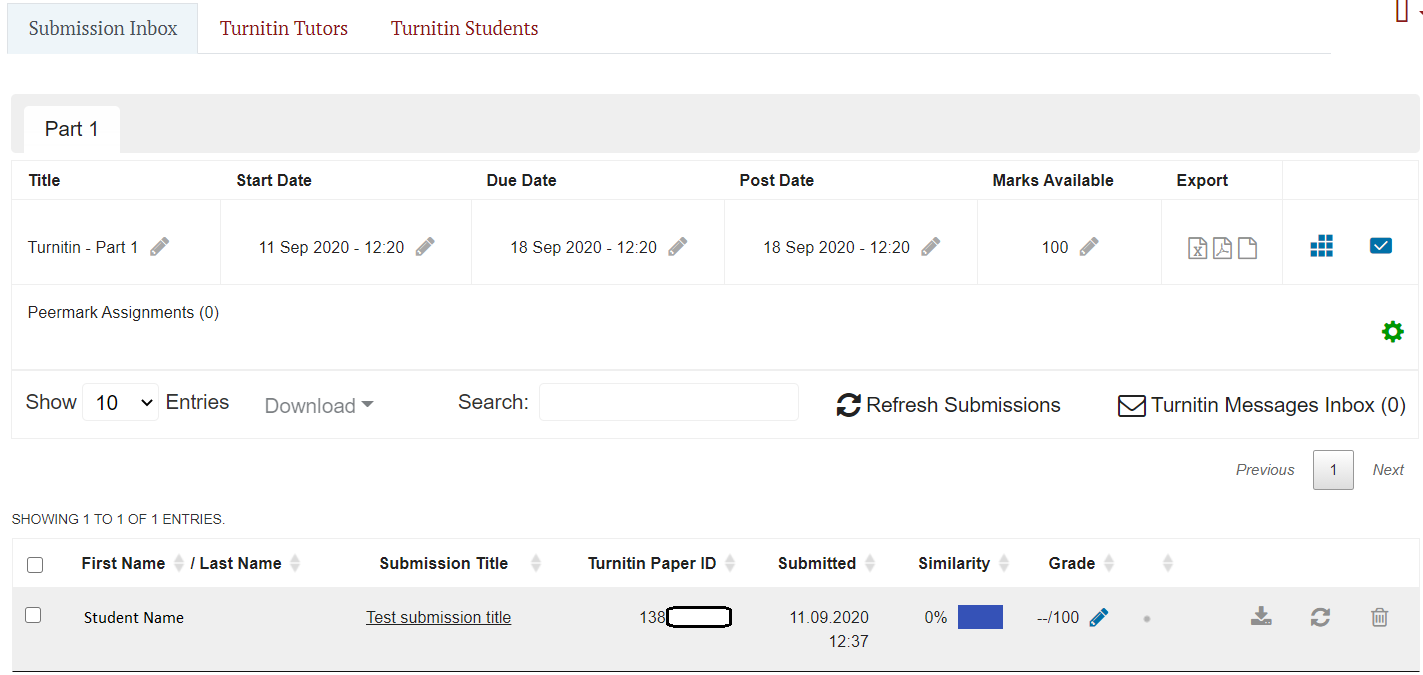
6. Now when you go to the turnitin assignement Information page, you can see your uploaded submission(s). Information what appears on this information page strictly depends from lecturer who has created the turnitin assignment therefore it can vary from screenshot on the right.